

V23.1.8CSOL反恐精英国服商业版Windows一键端
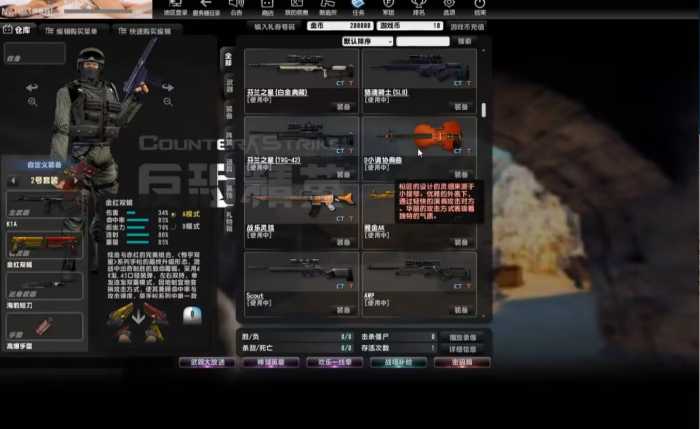
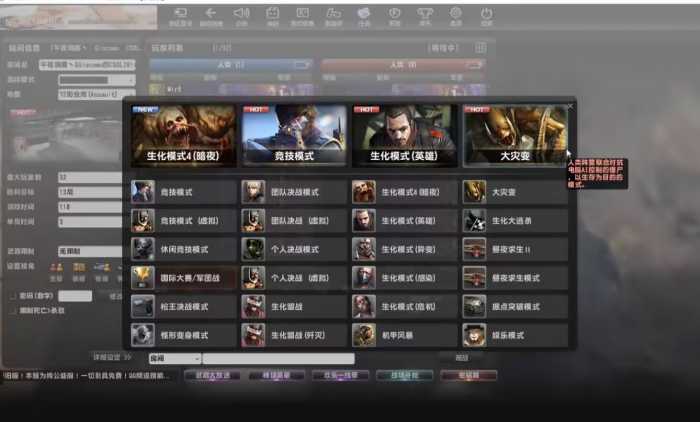

试系统:Windows Server 2012
解压服务端到D盘根目录:
D:\
进入环境文件夹安装常用环境:
1.微软常用运行库合集.exe
2.安装notepad++中文版.exe
修改服务端文件IP:替换:192.168.200.132
运行【[0].打开所有修改的文件】用N++批量修改
以下是具体文件修改路径:
D:\Bin\Start_DServer.bat
D:\Server\server.conf
启动服务端:
[1].启动网站数据库
[2].启动Game_Server
[3].启动GM_Tool
[4].启动DServer【建房用,可以多开,不能建房了就多开这个!】
修改客户端IP:// 改 “192.168.200.132”
\客户端\登录器.bat
改好后双击启动进入游戏
注册账号:[3].启动GM_Tool
account create 输入账号 输入密码
=============================================================================================
GM命令:
账号创建:account create [username] [password]
账号修改密码:account setpassword [userid] [newpassword]
账号列表:account list
账号踢出:account kick [userid]
账号设置头衔:account settitle [userid] [titleid] [hornorpoint]
账号赠送物品:account giveitem [userid] [itemid] [day] [count]
账号添加点数:account addpoint [userid] [points]
账号添加现金:account addcash [userid] [cash]
账号设置GM用户:account setgm [userid]
账号取消GM:account unsetgm [userid]
房间列表:room list
房间删除:room del [serverid] [channelid] [roomid]



 苹果版app
 安卓版app